Understand what AI rendering is, how it fits into your SketchUp workflow, and how to start creating AI renderings from your own models.
Get immediate access to the Intro to AI Rendering course with a free trial of our Video Course Library membership.
Every new tool promises impressive results. But knowing what’s actually useful for your SketchUp projects can feel overwhelming.
Intro to AI Rendering helps you skip the confusion and move forward with confidence.
Learn workflows you can apply to real projects, with step-by-step guidance, practice files, and instructor support.
Follow a clear workflow for preparing your SketchUp view, choosing a rendering tool, and creating an image you can build on.
Use prompts, reference images, and targeted edits to explore specific design changes and develop the directions you and your clients like.
Learn when your project calls for greater precision, and how to combine AI with traditional rendering to get the control you need.
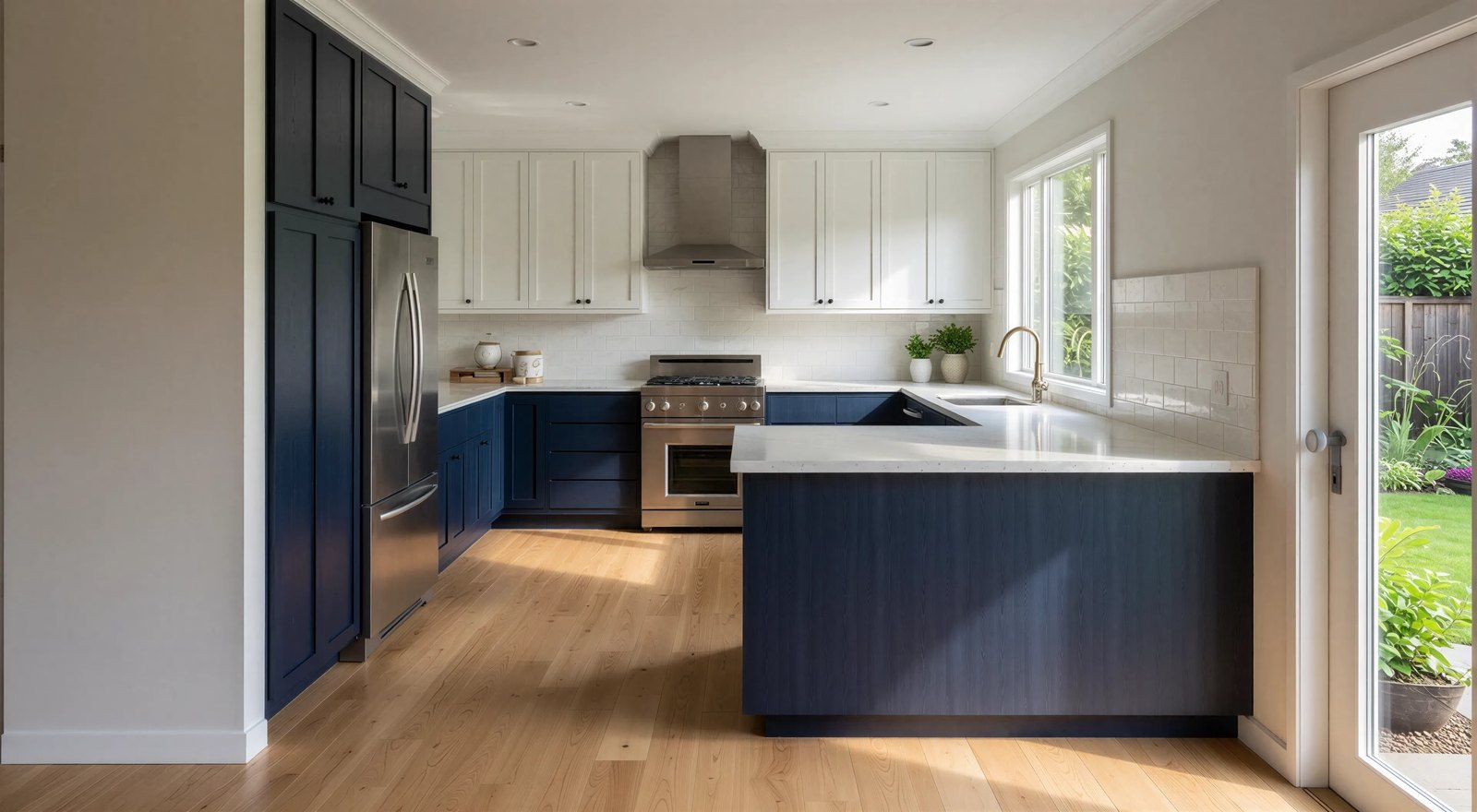
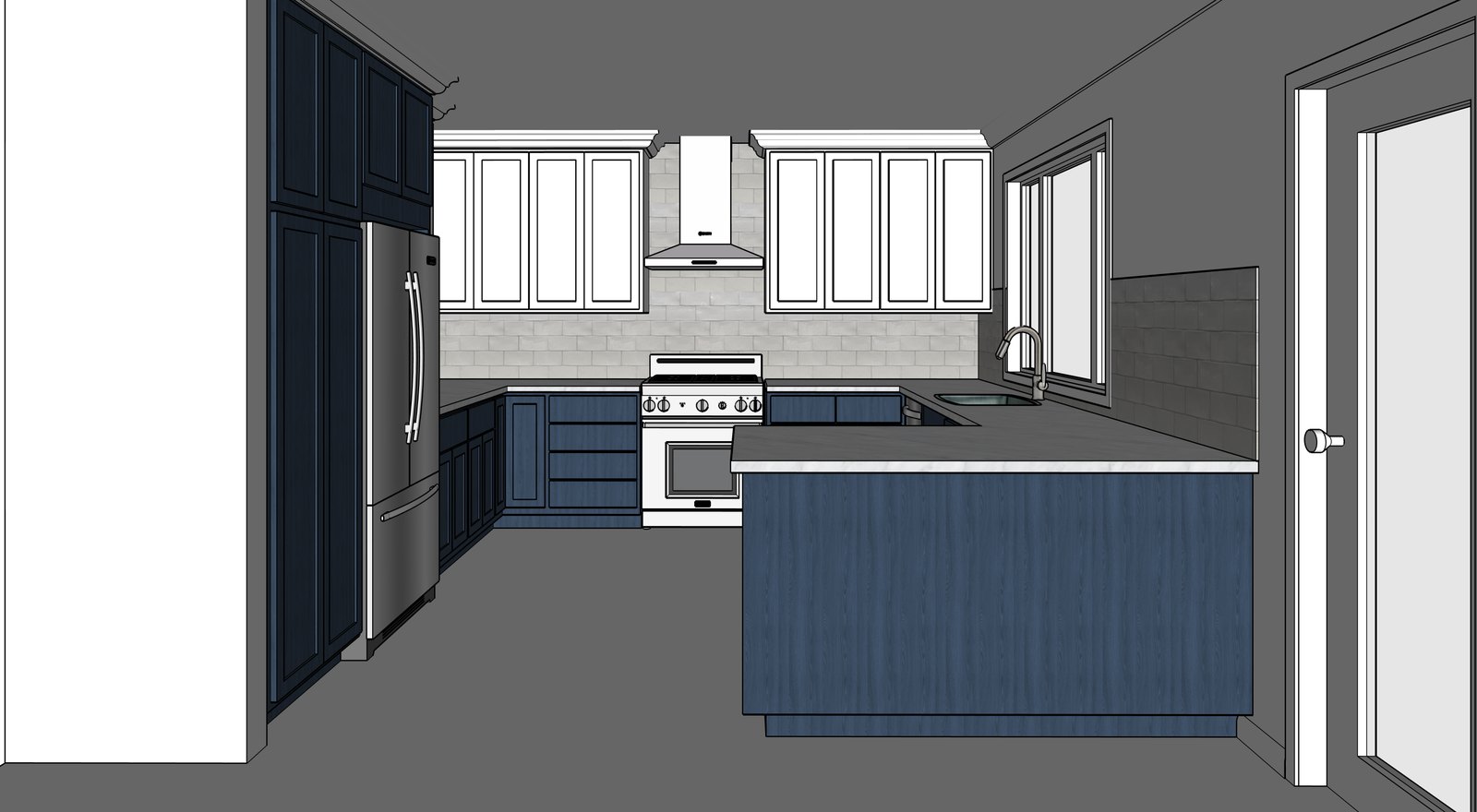 SketchUp model AI rendering
“I’ll walk you through the options so you can choose the tools and workflows that make the most sense for your projects.”
No need to choose an AI tool before you start. Watch the lessons to explore the options, then decide which tools and workflows you want to try. You’ll learn AI rendering workflows for professional work in architecture, interior design, construction, landscape design, kitchen and bath design, film and stage, and more.
Get immediate access to the course with a free trial membership. Membership includes:
Try it free for one week.
Then $159/month.
Start my free trialHave a question? Chat with us.